
Wedding guest books
The wedding guest book your guests fill with photos and voices
A paper guest book collects signatures you will read once. This one collects what your guests were actually holding all evening — their photos of your day, their voices, their stories — through one QR code on the tables. Afterwards it becomes a page you will actually open again.
One payment from $29 · No app for your guests · No account to create
Need a complete wedding website with RSVP? Explore the $79 Wedding Website bundle
Signed, closed, and never opened again
Every wedding has one: the beautiful book by the door that catches thirty signatures, a handful of exclamation marks, and then spends the rest of its life in a box. Not because your guests had nothing to say — because a pen and a queue is the worst possible way to ask them.
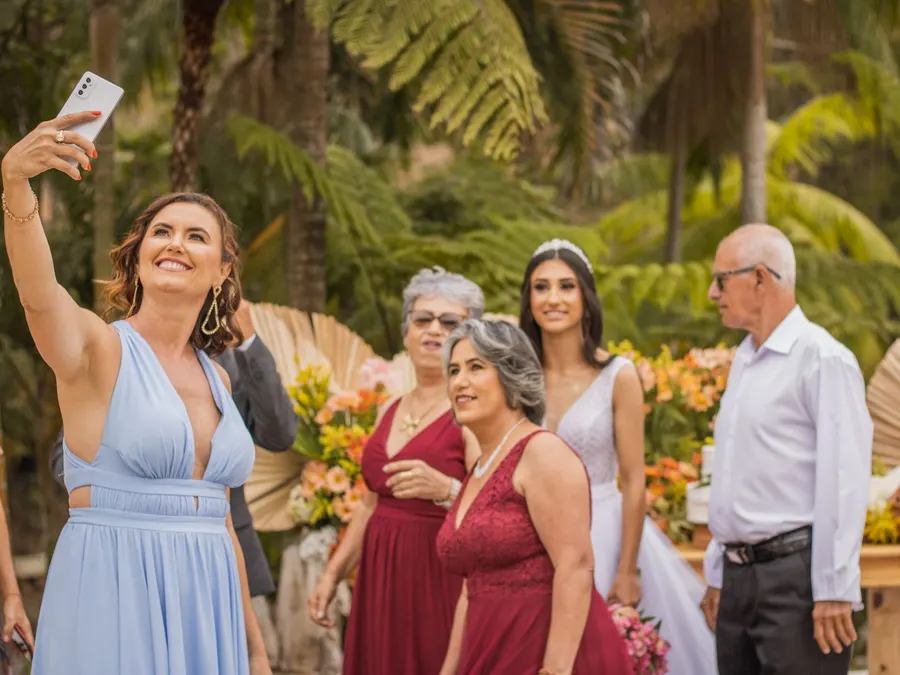
Meanwhile the real guest book was being written all night on a hundred phones: the photos from the back tables, the clips of the first dance, the things people said about you at dinner. All of it went home in their pockets.
A photo guest book turns the whole thing around. Instead of asking guests to produce a sentence at a lectern, one QR code on each table lets them hand over what they already have — their pictures, a voice message, a note written in their own time — with nothing to install and no account to create.
One code, start to finish
Before, during and after
Before the day
The same code takes your RSVPs
The guest book starts working before the wedding does. Printed on the invitations, the code collects RSVPs — who is coming, how many, and a note for you — and exports the list as a spreadsheet when the caterer calls. On the morning of the wedding it switches into guest book mode by itself.
During the reception
Written from every seat at once
A paper book is signed one guest at a time. This one is filled from every table simultaneously — guests scan the card between courses, upload photos straight from the camera roll at full resolution, record a voice message, or type a note. No queue by the door, and nobody waiting for the pen.
After the wedding
It becomes the memory page
Three days after the wedding, the same code opens the finished page: everyone's photos, voices and words in one place, at a link you can send to the whole guest list and keep for yourselves. That is the difference between a book you store and a page you revisit.
What goes into a guest book like this
Photos at full resolution
The originals from your guests' camera rolls, up to 20 MB each and 20 at a time — iPhone HEIC files included. This is what a photo guest book should mean: real files you can print from, not the compressed copies a group chat would have left you.
Voice messages
The guest book entry nobody could write: your grandmother's voice, your best friend halfway through a laugh. Guests record right in the browser, prompted with the question — what should the couple remember about tonight?
Short video messages (Plus)
A guest book that holds the toasts and the dance floor. Guests upload videos of up to 60 seconds straight from their phones — included with Keepsake Plus, up to 30 videos per event.
Written notes
Everything the paper book was for, without the queue. Notes arrive all evening and for days afterwards — including from the guests who think of the perfect thing to say on the drive home.
Not a mockup
Open a real event page
These are working events running in the product right now — the exact page a guest gets when they scan the code.
See every stageThe guest book, on your tables
Everything you put in front of guests is generated the moment the event exists — print at home or hand the PDFs to any print shop.
- 4×6 and 5×7 table cards in the photo sizes any print shop can run
- Letter and A4 fold-over tents that stand beside the centrepieces
- A share image for the group chat before the day, and a vertical one for stories
- The QR code as SVG and a 4096px PNG — big enough for a welcome sign by the door
- Your own wording on everything — “Sign our guest book with a photo”
Questions people ask
- How is this different from a paper guest book?
- A paper book holds what people can write in the ninety seconds a queue allows: a signature and a line. This one holds their photos of your wedding at full resolution, their voices, sixty-second videos and notes written without anyone waiting behind them — and it comes back to you as a page you can share, not a book on a shelf.
- How is it different from the audio guest book phones you can rent?
- The rented phone does one thing — audio — for one evening, and usually costs more than this does in total. Here voice messages are one part of the guest book alongside photos, video and written notes; there is no hardware to return; and the same code works before the wedding for RSVPs and after it as your memory page.
- Do guests need to install anything?
- No. They point their phone camera at the table card and the guest book opens in the browser — the same gesture as a restaurant menu. No app, no account, no password. If a phone can open its camera, it can sign this guest book.
- Can we still have a paper book too?
- Of course — plenty of couples run both. The split settles quickly on the night: the paper book collects the signatures, and the code collects everything a pen cannot — the photos, the voices, the video.
- What happens to everything afterwards?
- Three days after the wedding the code becomes your finished memory page. You can download every original as a ZIP whenever you like — originals stay available for 6 months on the $29 plan and 24 months on the $49 plan, and we email you well before that window closes.
- Is the guest book public?
- No. The page lives at a link only your guests have, is never listed anywhere, and carries instructions to search engines not to index it. Every upload lands in your dashboard first, and you can hide anything with one tap before the finished page goes out.
One payment, one event, yours to keep
$29 for everything above, with originals kept 6 months. $49 extends that to 24 months and prepares your full archive automatically before anything expires. No subscription either way.
Planning something else?